Integrations and automation
You will learn how Tixio connects to external systems, delivers events to your own endpoints, and runs project automation without hosting webhooks yourself.
Use this section when you are ready to reduce manual status updates, import an existing backlog, or let agents and scripts work against your workspace.
Who can manage what
| Capability | Who can manage it |
|---|---|
| GitHub, GitLab, Jira Cloud, Slack workspace install | Workspace owners and admins |
| Personal Slack identity link | Any member (after Slack is installed) |
| Workspace-scoped webhooks | Workspace owners and admins |
| Project-scoped webhooks | Project members |
| Automation rules | Project admins, or workspace owners/admins |
| Personal API keys | Each member for their own keys |
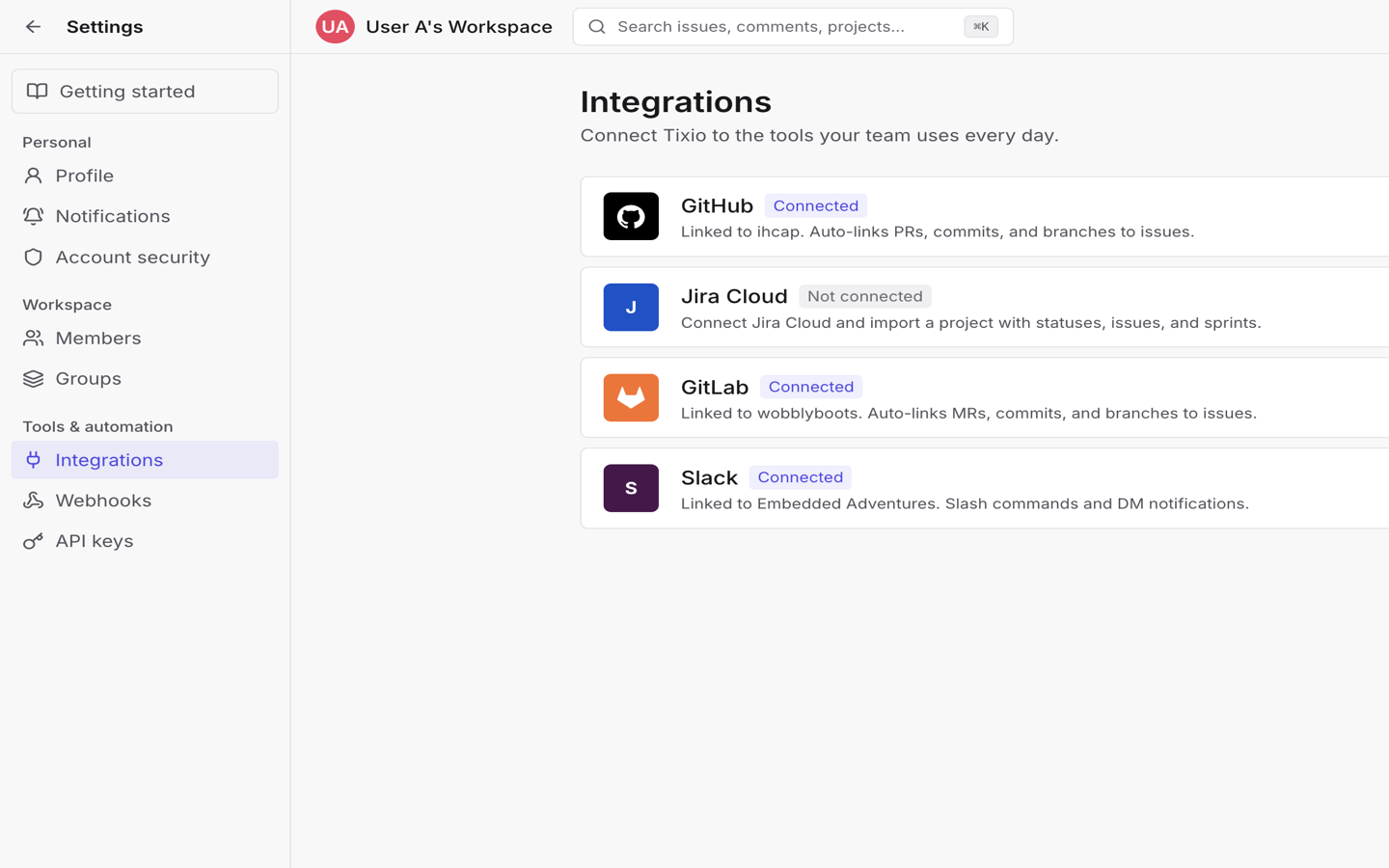
Open workspace Settings, then look under Tools & automation for Integrations, Webhooks, and API keys.
How-to guides
- Connect GitHub — install the GitHub App, map repositories, auto-link development activity, and auto-transition on merge.
- Connect GitLab — connect GitLab.com, sync projects, check webhook health, and auto-transition on MR merge.
- Import from Jira Cloud — connect Jira, run the import wizard, reconcile users, and open the new Tixio project.
- Connect Slack — install Slack, link your account, use slash commands and the message shortcut, and enable DM notifications.
- Manage webhooks — create subscriptions, save the secret, watch delivery health, and replay failed events.
- Use automation rules — build project rules from templates or scratch, set triggers and actions, and review the run log.
- Connect MCP and the API — create API keys and connect Cursor, Claude Desktop, or REST clients.
Choose a starting point
| Goal | Start with |
|---|---|
| Link PRs and commits to issues | Connect GitHub or Connect GitLab |
| Move a Jira project into Tixio | Import from Jira Cloud |
| Create issues from Slack or get DMs | Connect Slack |
| Push events to your own systems | Manage webhooks |
| Auto-label, notify, or close issues | Use automation rules |
| Let an agent or script call Tixio | Connect MCP and the API |
Related guides
- Tune notification settings — turn Slack delivery on for the events you care about.
- Use the Slack AI assistant — ask questions from Slack after Slack is connected.
- Manage API keys and service accounts — full API key, MCP, and service-account workflow.
- Enterprise — SSO, audit log, and data export/import for workspace admins.